In short
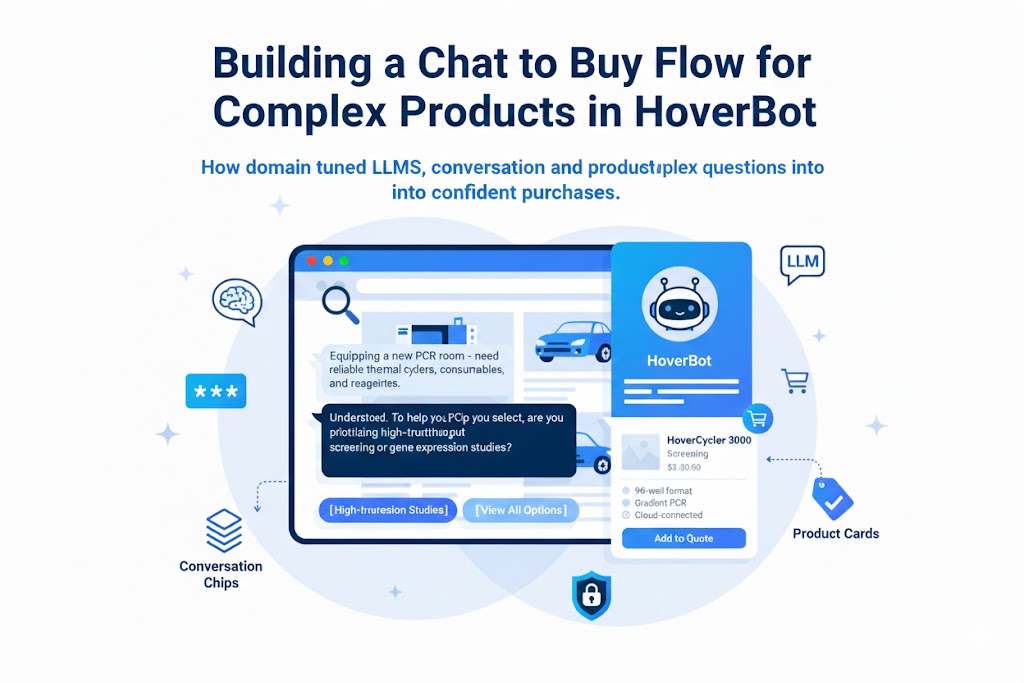
Chat-to-buy systems for complex catalogs turn buyer scenarios into structured constraints, identify missing critical inputs, apply hard compatibility rules and soft preferences, then present context-specific products or next actions. Language models handle extraction and explanation, while deterministic catalog data governs product eligibility.
The problem with search for complex products
Search works when buyers know what they want. "Nike Air Max size 10" is a solved problem. But what about these queries?
- "I need brake parts for a 2019 Corolla, mainly city driving, prefer low noise"
- "We're setting up a teaching lab for 10 students, need PCR equipment, budget around 50k"
- "Looking for CRM software that integrates with our existing ERP and handles 200 users"
- "Need industrial sensors for a clean room environment, must comply with ISO 14644"
These are not search queries. They are consultation requests. The buyer does not know the SKU. They know their scenario, their constraints, and their preferences. They need someone to translate that into specific products.
Traditional solutions and their problems:
| Approach | Time to Resolution | Cost per Inquiry | Data Capture |
|---|---|---|---|
| Email thread with sales | 2-5 days | $50-200 | Poor (unstructured) |
| Phone call with specialist | 30-60 min | $25-75 | None (unless recorded) |
| Complex filter sidebar | 5-15 min | Near zero | Good (structured) |
| Generic chatbot | Varies | $0.10-0.50 | Moderate |
| Chat-to-buy (done right) | 2-5 min | $0.20-1.00 | Excellent (structured) |
Chat-to-buy replaces all of these with a single flow: natural language input, structured constraint extraction, compatibility-aware matching, and clear next actions. The buyer talks. The system thinks. The catalog responds.
The architecture
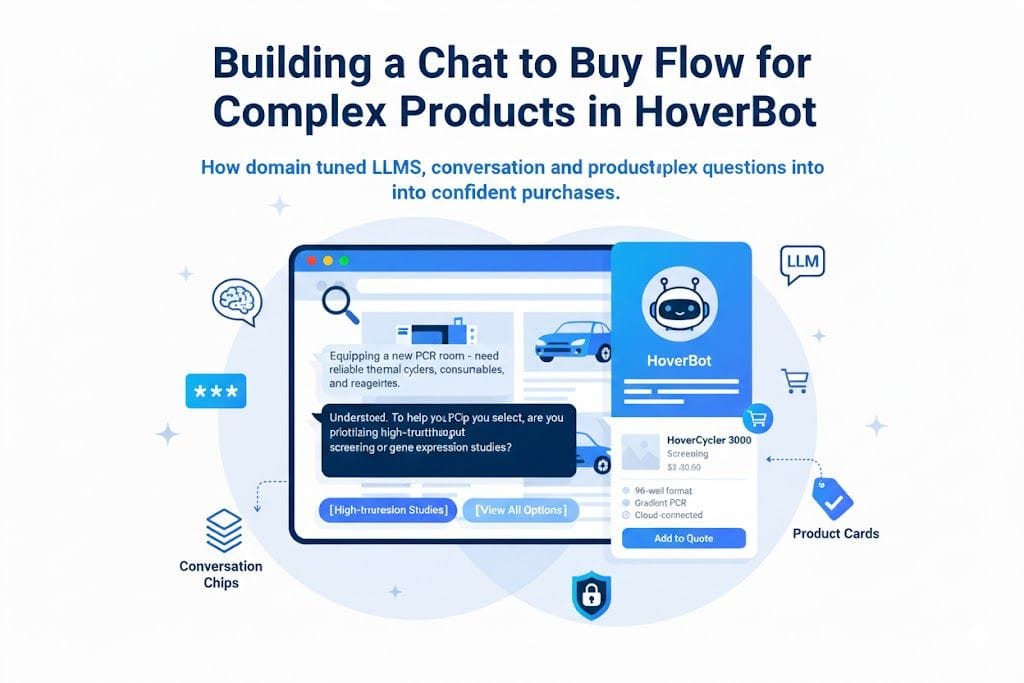
The flow has four stages:
- Scenario understanding: Parse the user's message into intent and parameters
- Gap detection: Identify missing critical information and generate clarifying questions
- Constraint matching: Apply hard rules (compatibility, inventory) and soft preferences (brand, price)
- Presentation: Format results as cards, chips, or explanations based on context
Stage 1: Scenario extraction
The first step is parsing natural language into structured parameters. This is not keyword extraction. It is understanding what the user is trying to accomplish.
// Input
"I need front pads and rotors for a 2019 Corolla, mainly city driving, not too noisy"

// Extracted structure
{
  intent: "recommend_parts",
  vehicle: {
    make: "Toyota",
    model: "Corolla",
    year: 2019,
    submodel: null  // MISSING - critical for brake specs
  },
  parts: [
    { type: "brake_pads", position: "front" },
    { type: "brake_rotors", position: "front" }
  ],
  preferences: {
    driving_style: "city",
    noise_tolerance: "low"
  },
  constraints: {
    budget: null  // Not specified
  }
}
The extraction must identify:
- What is present: All parameters the user provided
- What is missing: Parameters needed for safe recommendations
- What is critical: Parameters that block recommendation entirely (like submodel for brake fitment)
Implementation note: Use structured output from your LLM. Define a JSON schema for your domain and instruct the model to extract into that schema. This is more reliable than free-form extraction.
Stage 2: Dynamic chip generation
When critical information is missing, do not ask open-ended questions. Generate chips that convert vague scenarios into structured data with a single tap.
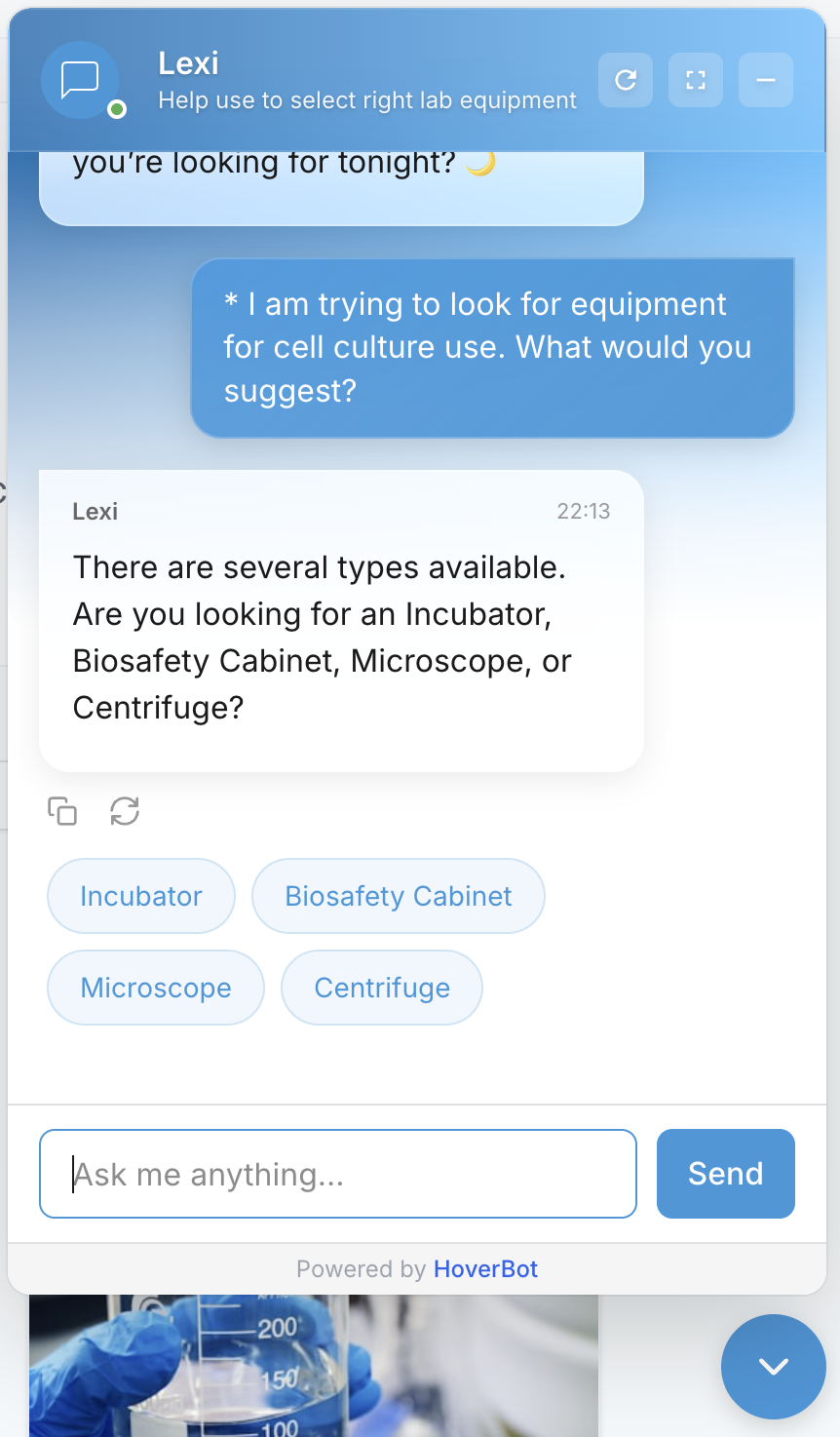
Chips serve two purposes:
- For the buyer: Faster and easier than typing. Tap "LE" instead of typing "My car is the LE trim level."
- For the system: Clean structured input that maps directly to catalog attributes and business rules.
Chips are generated dynamically based on:
- What the system already knows from earlier messages
- Which gaps remain in the current extraction
- What options are valid given current constraints (no point showing "LE" if user already said "SE")
- What the merchant has configured as required vs. optional
// Chip generation for missing submodel
{
  question: "Which trim level is your 2019 Corolla?",
  chips: [
    { label: "L (Base)", value: "L", maps_to: "submodel" },
    { label: "LE", value: "LE", maps_to: "submodel" },
    { label: "SE", value: "SE", maps_to: "submodel" },
    { label: "XLE", value: "XLE", maps_to: "submodel" },
    { label: "XSE", value: "XSE", maps_to: "submodel" },
    { label: "I'm not sure", value: null, triggers: "vin_lookup" }
  ],
  fallback_text: "You can also enter your VIN for exact match"
}
Key metric: Chip click rate vs. free text rate. In well-designed flows, chips should handle 70%+ of gap-filling interactions. If users are typing instead of tapping, your chips are not covering the right options.
Stage 3: Constraint matching
This is where the magic happens. The system must blend LLM reasoning with hard compatibility rules and business logic. Getting this wrong means recommending incompatible products.
The matching engine blends three layers:
Hard constraints (non-negotiable)
These rules cannot be overridden by preferences or LLM reasoning:
- Fitment tables: Does this part fit this vehicle? Yes or no.
- Voltage/power requirements: Will this equipment work with available power?
- Compatibility matrices: Does this centrifuge work with these rotors?
- Regulatory compliance: Does this product meet required certifications for the use case?
- Inventory: Is the product actually in stock?
Soft constraints (influence ranking)
These affect which compatible products rank higher:
- Brand preferences: User prefers OEM or mentioned specific brands
- Price range: Budget constraints provided or implied
- Performance attributes: Low noise, high heat tolerance, fast delivery
- User history: Previous purchases suggest preferences
Business rules (merchant-configured)
These reflect business priorities:
- Preferred suppliers: Boost products from key vendor relationships
- Margin targets: Route to higher-margin alternatives when appropriate
- Quote thresholds: Orders above X require RFQ instead of cart
- Bundle opportunities: Suggest complementary products
| Constraint Type | Override Allowed | Effect | Example |
|---|---|---|---|
| Hard | No | Filters out products | Wrong fitment = excluded |
| Soft | Yes (with explanation) | Affects ranking | Over budget = shown but flagged |
| Business | Depends on config | Affects ranking and routing | High value = route to quote |
Compatibility verification output
For each candidate product, the fitment check returns one of four statuses:
type FitmentStatus =
  | "confirmed"   // Exact match in fitment table. Safe to recommend.
  | "likely"      // Partial match. "Confirm trim level for exact match."
  | "uncertain"   // No data. May require human review.
  | "incompatible" // Explicit non-match. Do not recommend.

// Example output
{
  product_id: "BP-2847",
  fitment_status: "confirmed",
  fitment_source: "aces_table_v2024.1",
  soft_score: 0.87,  // Based on preferences
  business_boost: 1.2  // Preferred vendor
}
Stage 4: Result presentation
The right presentation depends on context:
| Situation | Presentation | Primary Action |
|---|---|---|
| Single clear winner | Hero card with details | Add to Cart |
| 2-3 viable options | Comparison cards with differentiators | Select One |
| Many options (>3) | Scrollable list with filters | View More / Refine |
| Need more info | Clarifying question with chips | Select option |
| High value order | Summary with quote CTA | Request Quote |
| Uncertain compatibility | Explanation with handoff | Talk to Specialist |
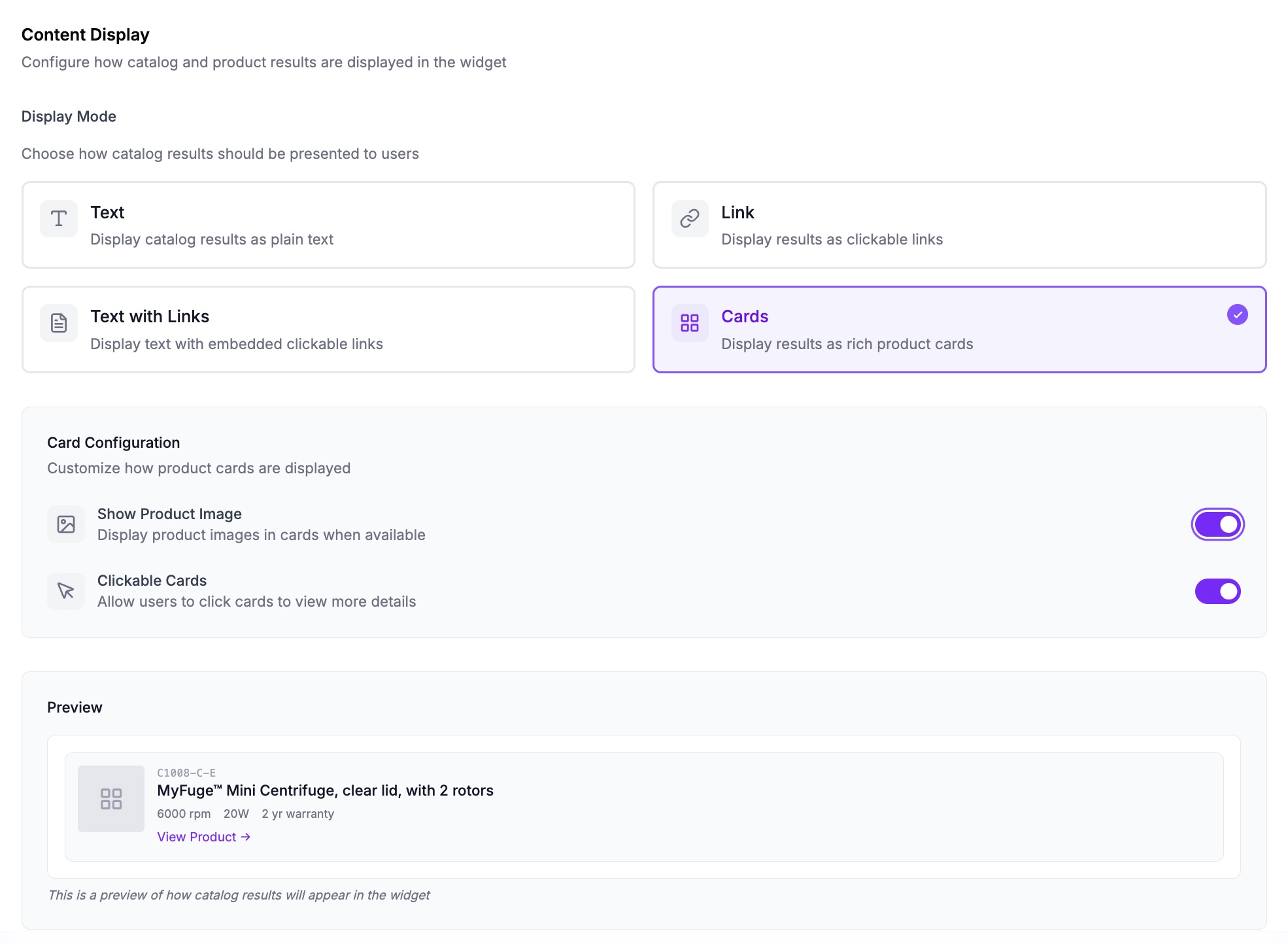
Product cards: the conversion surface
Cards are not just product listings. They are conversion surfaces tailored to the scenario. A brake pad card for a city driver should emphasize noise rating. The same card for a track driver should emphasize temperature range.
Each card shows:
- Image, name, price (always)
- 2-3 specs relevant to THIS specific scenario (dynamic)
- Compatibility badge ("Verified Fit" or "Likely Fit")
- Primary action (Add to Cart, View Details, Request Quote)
- Secondary actions as chips (Show Alternatives, See Accessories)
Key insight: The specs shown on the card should match the preferences the user expressed. If they said "low noise," show noise rating. If they mentioned budget, show price prominently. This creates a direct connection between what they asked for and what you are recommending.
Metrics that separate working implementations from demos
Most chatbot demos look impressive. Most chatbot deployments fail. The difference is in the metrics you track and optimize.
Funnel Metrics
- Conversation start → First product shown: Target under 3 turns for 80% of sessions. More turns = more drop-off.
- Product shown → Add to cart: Target 15-25% for complex products. Below 10% indicates poor matching or presentation.
- Cart add → Checkout complete: Track this separately from chatbot metrics. Chatbot's job ends at cart add.
Quality Metrics
- Chip click rate: Target 70%+ of gap-filling interactions via chips. Low rate = bad chip options.
- Re-ask rate: How often does the user rephrase their question? Target under 10%. High rate = extraction failure.
- Handoff trigger rate: When does the system escalate to human? Track by scenario type to find gaps.
- Compatibility accuracy: Of confirmed-fit products, what percentage actually fit? Target 99%+. This is critical for trust.
Business Metrics
- Revenue per chat session: Compare to baseline (no chatbot) and other channels.
- Average order value: Chat-to-buy should enable larger, more complete orders through bundling.
- Time to purchase decision: Chat should compress the sales cycle vs. email/phone.
- Return rate: If returns increase, your compatibility matching has problems.
Implementation checklist
Domain Configuration
- ☐ Define domain schema with all relevant parameters and their types
- ☐ Identify critical fields that must be present before recommendations
- ☐ Build/import compatibility tables and matrices for hard constraints
- ☐ Configure clarifying questions and chip options per missing field
- ☐ Define fallback paths when compatibility is uncertain
LLM Integration
- ☐ Build extraction prompts with structured output schema
- ☐ Ground model on domain content via RAG
- ☐ Implement confidence scoring for extraction results
- ☐ Add explanation generation for why products match
- ☐ Test extraction accuracy with held-out queries
Catalog Integration
- ☐ Connect catalog API with attribute-based filtering
- ☐ Implement real-time inventory status checking
- ☐ Build bundle generation for complementary products
- ☐ Configure card templates per product category
- ☐ Test with edge cases (out of stock, discontinued, backordered)
Analytics and Iteration
- ☐ Implement session tracking with event logging at each stage
- ☐ Build conversion funnel dashboards
- ☐ Set up alerts for high handoff rates and low conversion
- ☐ Create feedback loop for extraction and matching errors
- ☐ Schedule weekly review of failed sessions
The opinionated take
Most e-commerce AI projects fail because they try to be general-purpose assistants. "Ask me anything about our products!" This is a trap. General-purpose means no-purpose.
Chat-to-buy works because it has a clear goal: turn a scenario into a purchase. Every design decision serves that goal:
- Chips exist to gather structured data quickly
- Cards exist to convert
- Explanations exist to build confidence
- Human handoffs exist because sometimes the system should not try to close the sale
Three principles from implementations that actually work:
- Compatibility is binary. Either the part fits or it does not. Do not let the LLM fudge this. Hard constraints are non-negotiable. The moment you recommend an incompatible product, you lose trust permanently.
- Fewer turns is always better. Every additional question is a chance for the user to leave. Front-load intelligence in extraction. Use chips aggressively. Get to products fast.
- Domain modeling is the hard part. The LLM integration is straightforward. Knowing which fields are critical, which constraints are hard, and when to show products vs. ask questions requires deep domain expertise. Get this from your sales team.
Build for a specific scenario first. Prove it works. Measure the funnel. Then expand. The teams that try to boil the ocean end up with generic chatbots that nobody uses and nobody measures.
Frequently asked questions
- Why is chat-to-buy different from ordinary product search?
- Complex purchases begin with a scenario, constraints, and preferences rather than a known SKU. A chat-to-buy flow translates natural-language requirements into structured parameters, identifies missing critical information, applies compatibility and business rules, and presents suitable products or a next action. This makes the interaction closer to a guided consultation than a conventional keyword search.
- How should a chat-to-buy system handle missing product requirements?
- The system should distinguish information already supplied from missing fields and identify which missing fields block a safe recommendation. It can then generate context-specific chips containing only valid options. Each selection maps directly to a catalog attribute or rule, while uncertain cases follow a configured fallback such as identifier lookup or specialist review.
- Can an LLM decide whether a complex product is compatible?
- An LLM can extract the buyer's scenario and help explain results, but hard compatibility rules should determine whether a product is eligible. Fitment tables, power requirements, compatibility matrices, required certifications, and inventory can filter candidates. Preferences such as brand, price, noise, or delivery should influence ranking without overriding a confirmed incompatibility.
- What metrics show whether conversational commerce is working?
- A useful measurement plan covers the full funnel and recommendation quality. It tracks how quickly products appear, product-to-cart conversion, checkout completion, chip use, repeated questions, human handoffs, compatibility accuracy, revenue per session, order value, purchase time, and returns. Event logging at each stage supports dashboards, alerts, error feedback, and regular review of failed sessions.
Sources
- Structured model outputs · OpenAI
- Aftermarket Catalog Exchange Standard (ACES) · Auto Care Association
- ISO 14644-1:2015, Cleanrooms and associated controlled environments, Part 1 · International Organization for Standardization
- inventoryLevel GraphQL Admin API · Shopify
About the author
AI Product Engineering Team
Cross-functional team of AI engineers, product managers, and support operators building customer-facing chatbot systems in production environments. We ship weekly releases informed by production telemetry, closed-loop conversation reviews, and benchmark-driven evaluation cycles.
- Customer support automation and intelligent routing systems
- RAG pipeline design and guardrails for regulated workflows
- Operational analytics and closed-loop quality improvement
- Multilingual NLP and entity-level PII masking pipelines
- Production deployments across e-commerce, real estate, and SaaS verticals